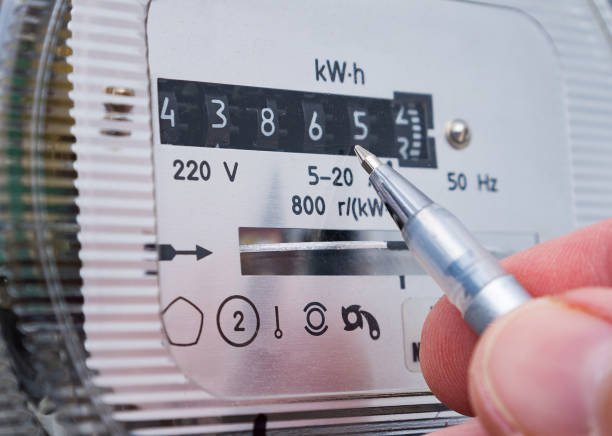
How to use government’s new self meter reading app?
The government of Pakistan has introduced the Power Smart App under the “Apna Meter, Apni Reading” initiative.
Made by the Ministry of Power, the app allows you to self-report meter readings from home.
This should help enhance transparency, reduce overbilling, and streamline operations.
Here is how you can use the app.
How to use government’s new self meter reading app
- Download the app from the Google Play Store for Android and the App Store for iPhones.
- Register your Consumer ID(s).
- On meter-reading day, photograph your meter.
- Upload the image before the deadline to secure accurate billing.
Important Features
- Self-Upload of Meter Readings: Consumers can photograph their electricity meters on a scheduled date and submit the image via the app. This reading supersedes any readings taken later by meter readers.
- Protected Subsidy Status Preservation: The app safeguards eligibility for subsidised billing (up to 200 units). Eligible users remain in the lower tariff slab if they report readings on time, avoiding sudden bill increases due to missed meter readings.
- Live Load Shedding Alerts and Usage Monitoring: Users can monitor daily electricity consumption data, view scheduled load shedding alerts, and track patterns in usage, voltage, and current levels across multiple meter IDs in their profile.
- Customer Self-Service Tools: The app supports requests for new connections, meter replacements, due date extensions, bill instalments, and correction of meter readings. It also offers notifications on service status and updates.
As of now, the app only has a 2.6 out of 5-star rating on the Google Play Store and a 2.8 rating on the Apple App Store. Users seem to be facing issues on both platforms, but we hope to see fixes soon, as it’s still a brand-new app.
